Change Background
Change beauty photo backgrounds for free.
Turn a product shot taken in a cluttered room or on an ordinary desk into a clean, studio-style photo. The editor helps preserve the product’s appearance and keeps logos and fine print on the packaging as clear as possible.
Made for beauty reviewers
 Keep your space private
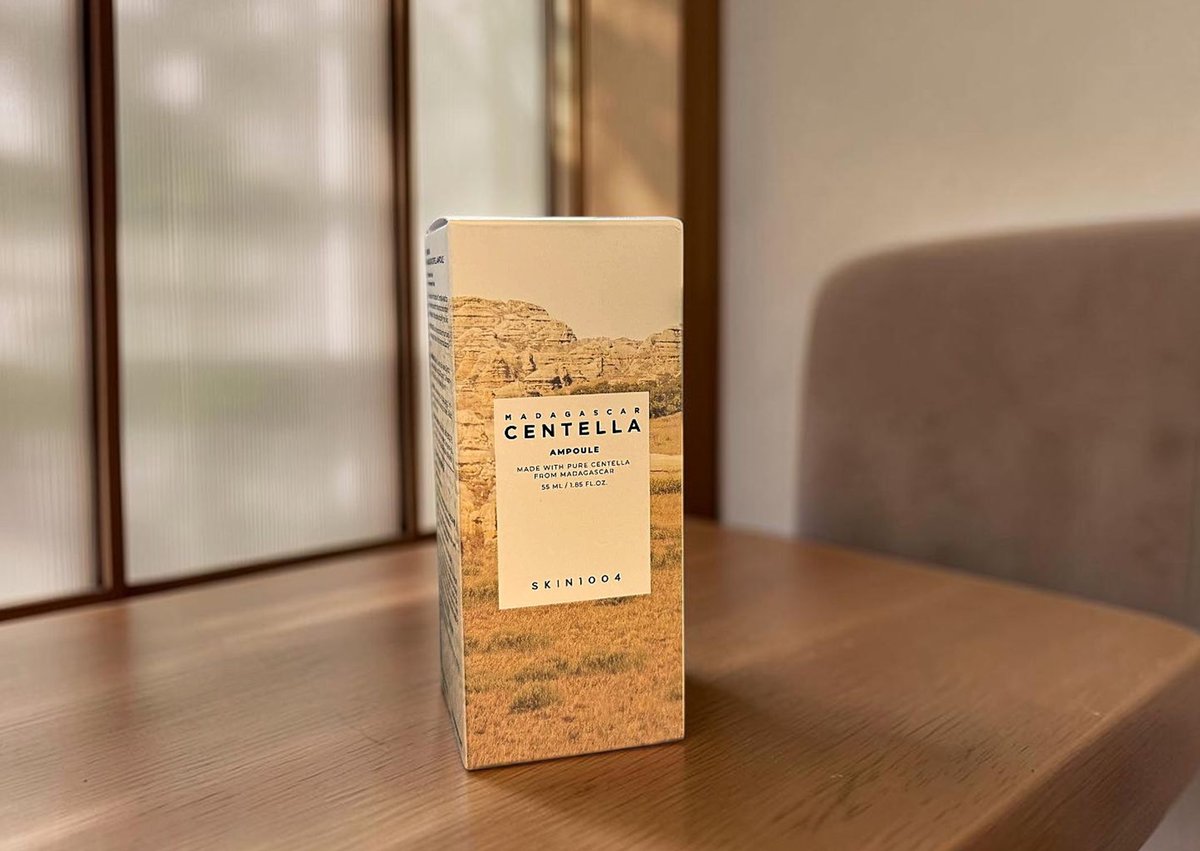
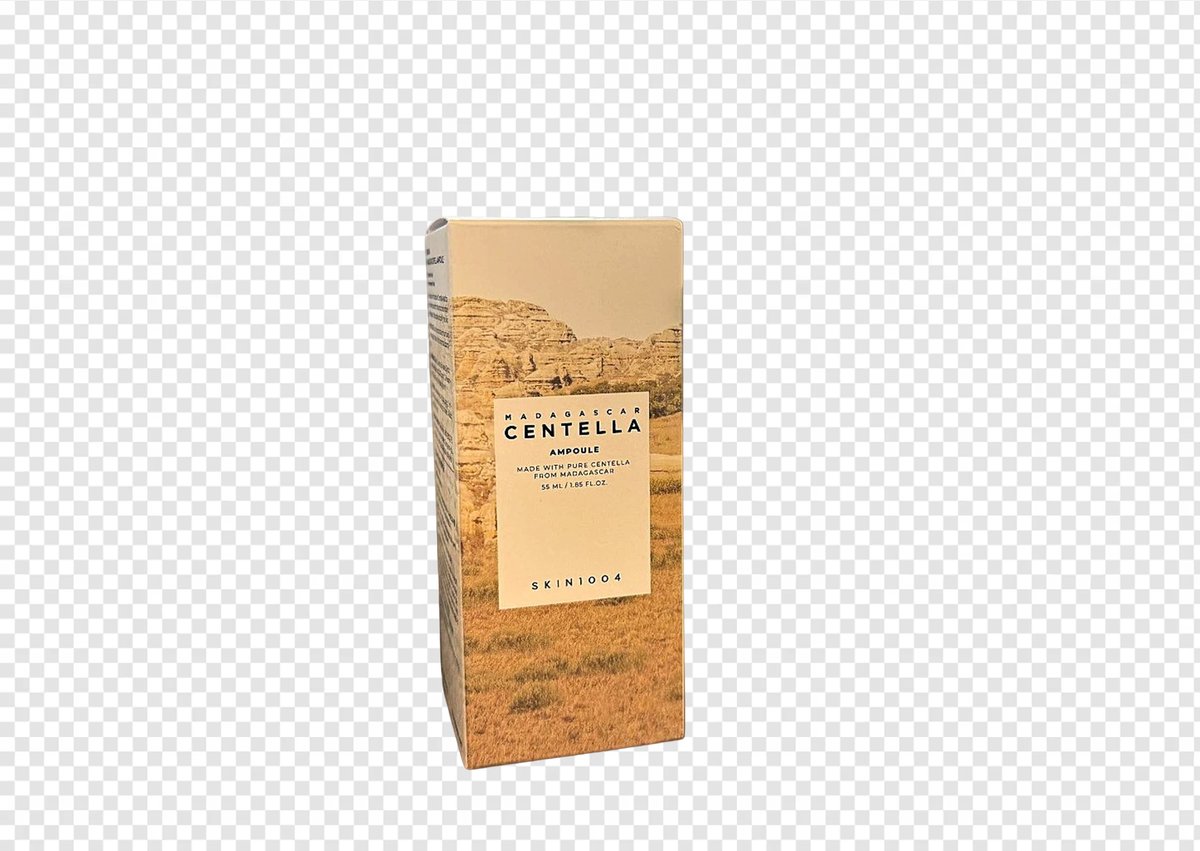
Share a close look at the product without showing your home. Remove clutter and personal items from the background so readers can focus on what you’re reviewing.
 Beauty photo backdrops
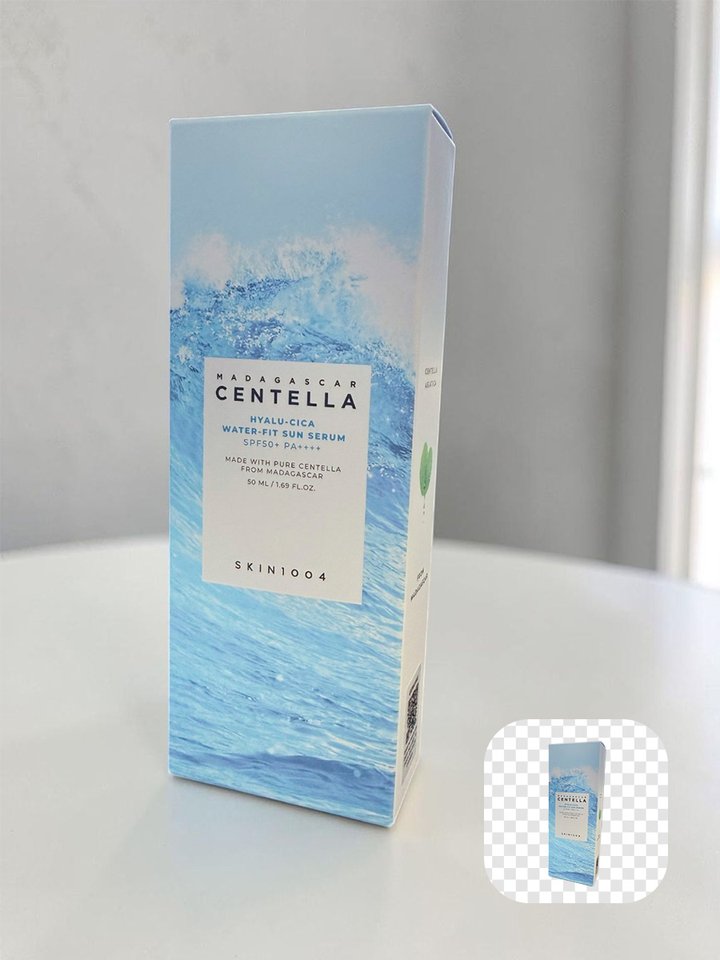
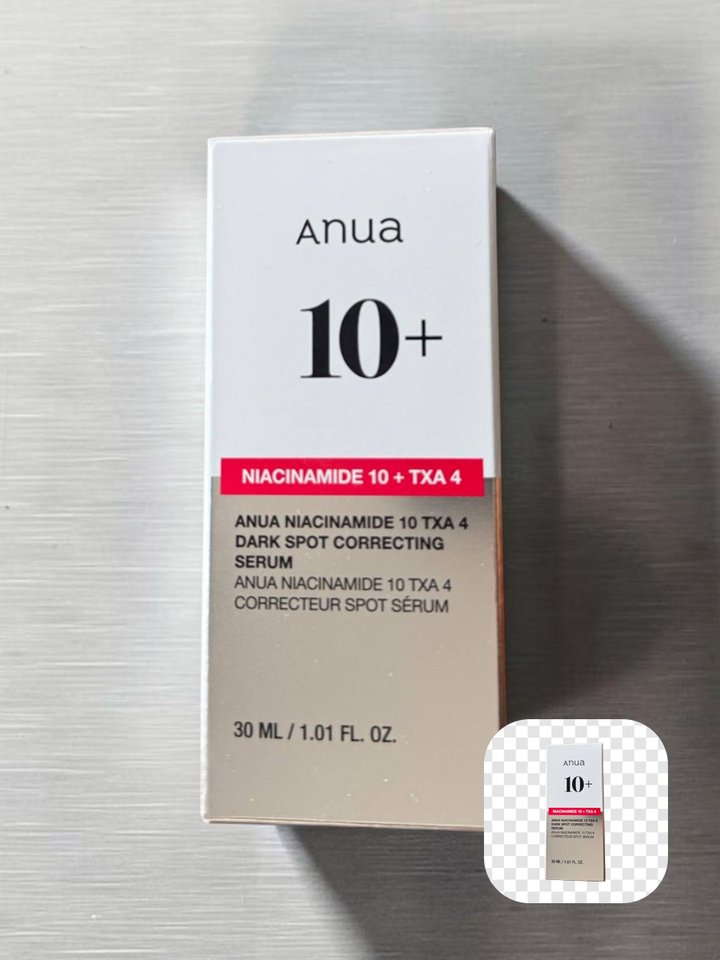
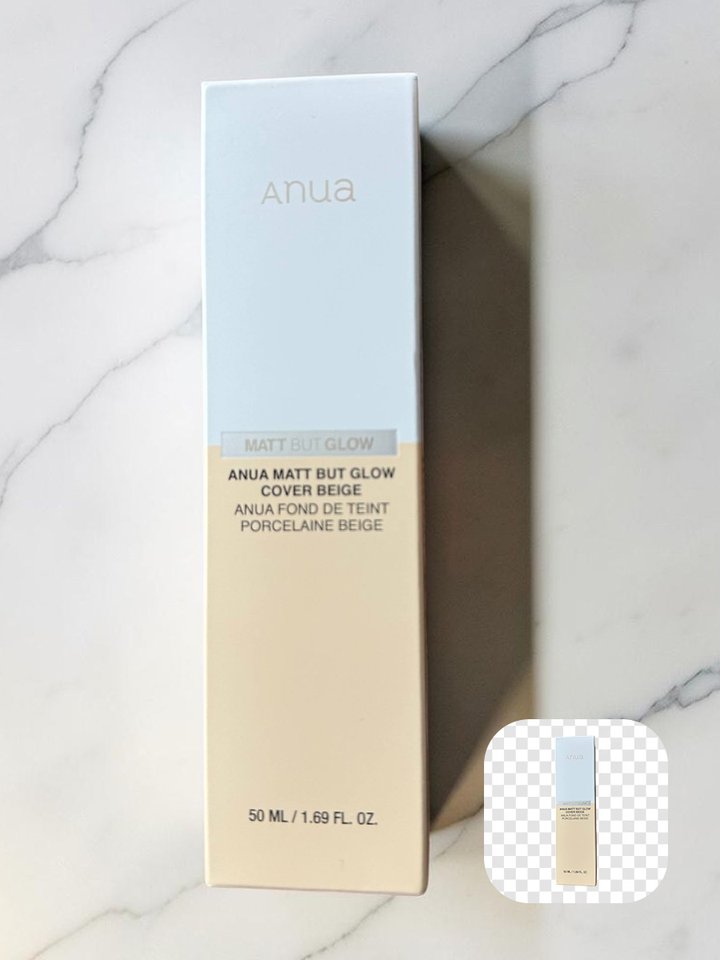
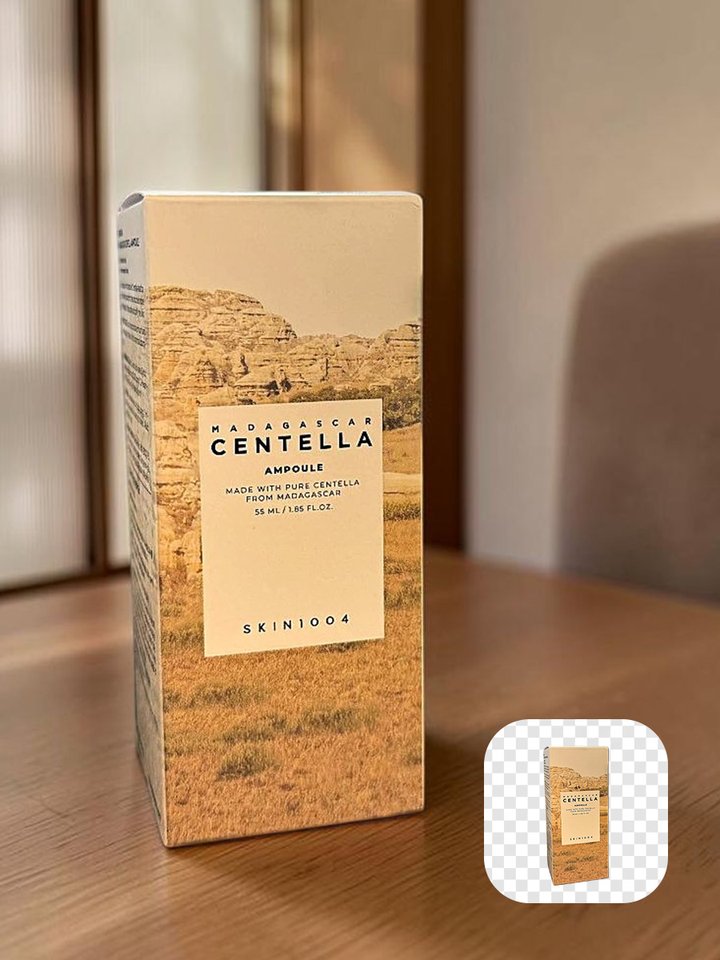
Choose from polished marble, warm wood, stylish bathrooms, and cafés. Pick a warm, neutral, or cool tone to match the colors in your photo.
 Clear labels and logos
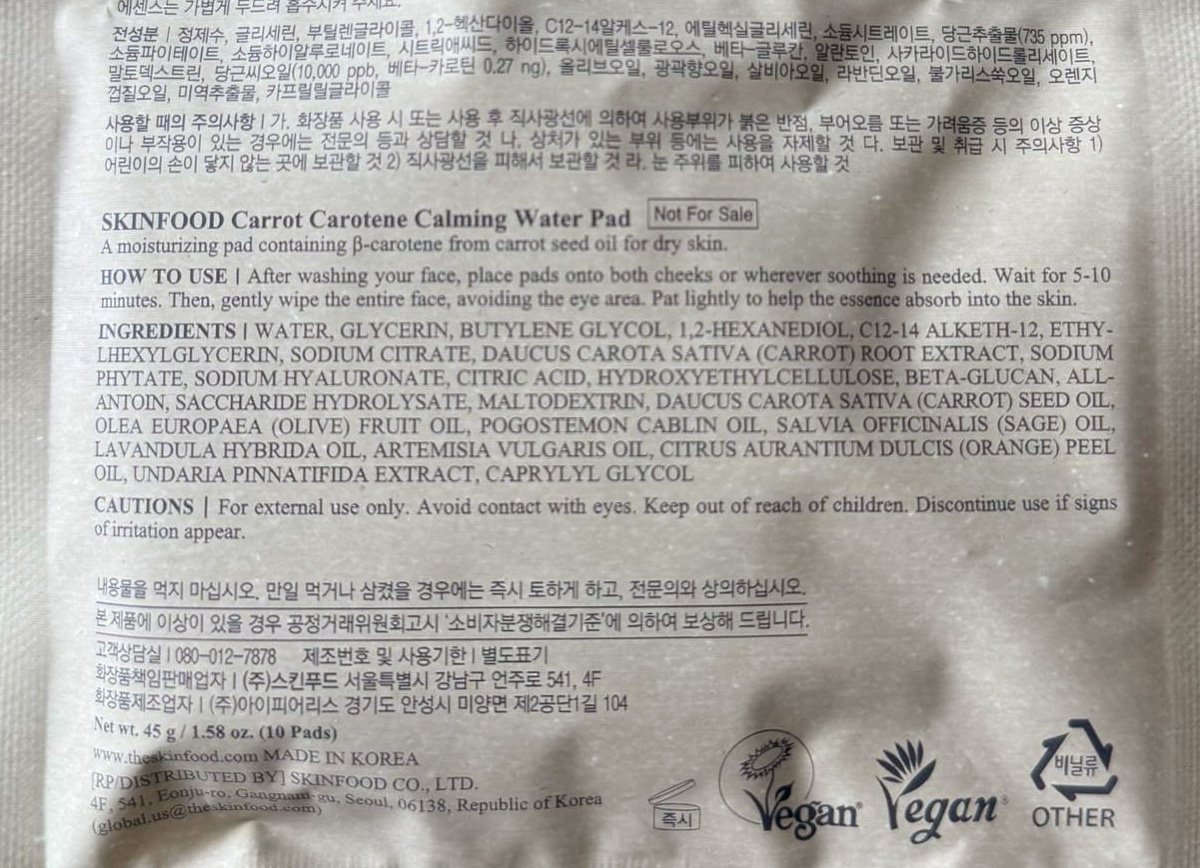
Brand names, logos, and fine print matter in a beauty review. The editor changes the background while preserving as much of the product’s shape, proportions, color, and detail as possible.
How it works
Take a photo
and upload it
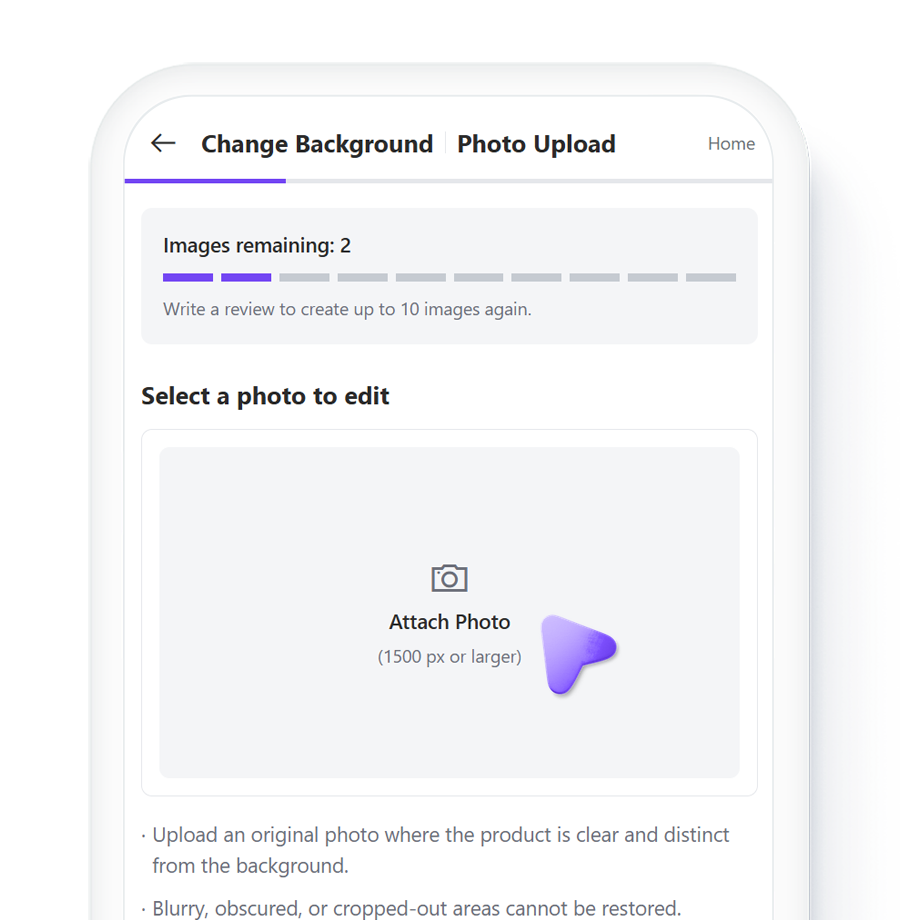
- Photograph your product and make any color adjustments before uploading. For clear or translucent packaging, shoot against a color close to your chosen background for a more natural result.
Pick a background
Apply it with AI
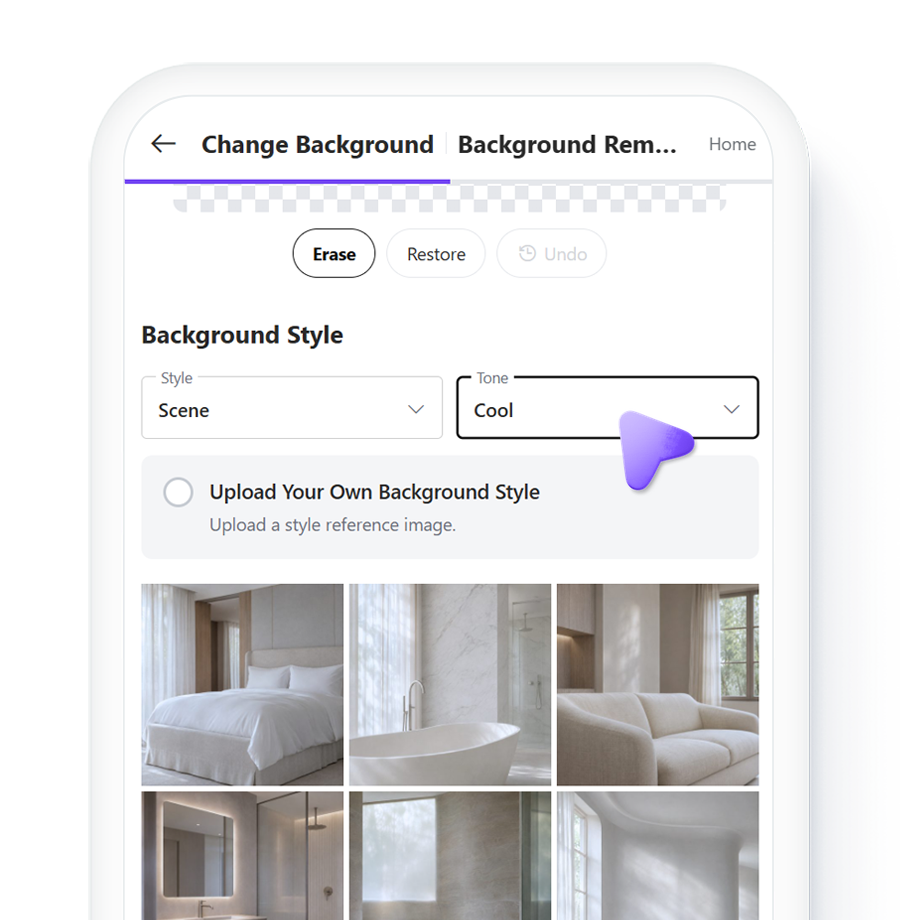
- Mark the parts of the original photo you want to keep, then choose a background style.
- Choose “Scene” if you held the product or photographed it from an angle that shows more than one side. Choose “Surface” if you laid it flat and photographed it from above.
- Pick a tone close to the colors in your original photo. You can also upload your own reference image if none of the backgrounds suit your shot.
Your edited photo
Download and share
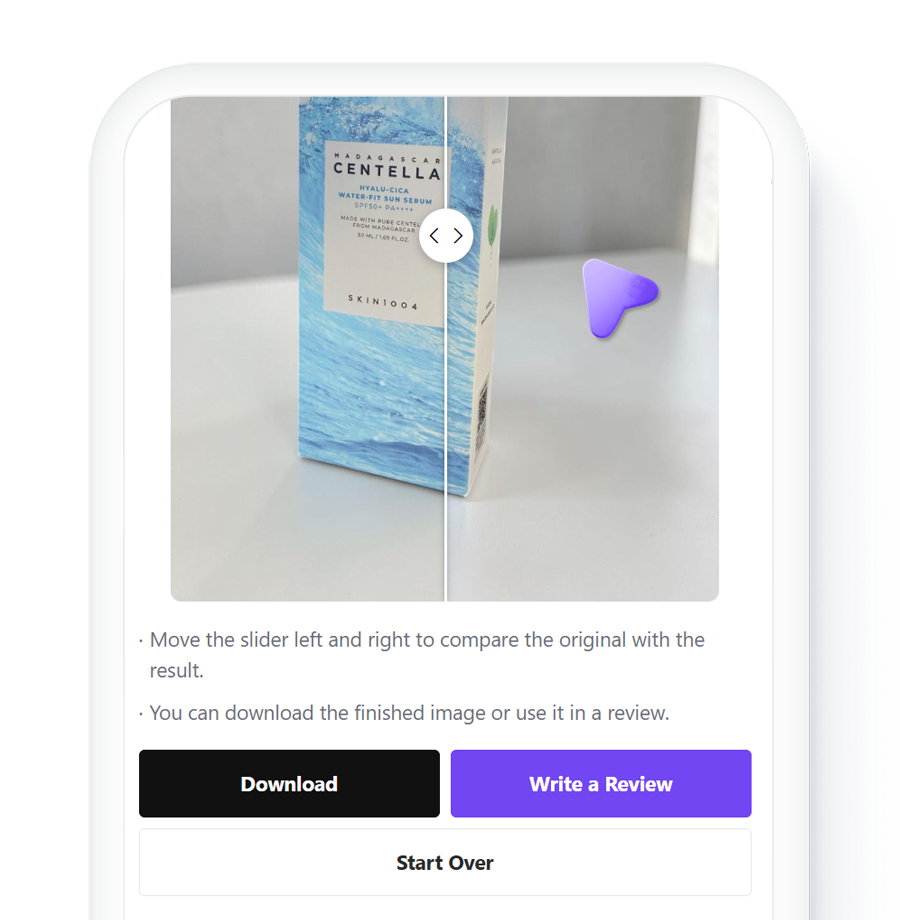
- Download the finished photo in high resolution. Share it on social media or add it to a beauty review on Viewduc.
Frequently Asked Questions
Is it free to use?
Yes. You get 10 free edits as soon as you join Viewduc.
Post a review on Viewduc of a beauty product you bought yourself, and your remaining edits reset to 10.
This tool is for beauty reviewers. Access may be limited if you use it for other purposes.
Why do clear areas look odd?
Glass and clear plastic both reflect and transmit light. This can make transparent or translucent areas look unnatural after the background changes.
Place an object or backdrop in a color close to your chosen background behind the product, then take a new photo and try again.
What if the scene looks off?
Try again with a tone that matches the photo’s light and colors.
If it still looks off, try a different camera angle or upload a background reference that matches the composition of your shot.